How I Built an Article Pipeline That Wrote This Article
One command turns a Google Doc into a finished blog post with images, an English translation, and a LinkedIn draft. Including the meta-funny part.
Copy. Paste. Type frontmatter. Generate image. Embed image. Commit. Push. Repeat.
I’m a developer. I automate boring things. At some point I realized: this is boring.
So I sacrificed an afternoon to never do it again. The result is a pipeline that turns a Google Doc into a finished blog article with images, an English translation, and a LinkedIn post. All it takes is one command. Just one. One click for LinkedIn. That one I’m still doing myself.

The Problem Wasn’t the Writing
The writing part works fine. Google Docs, raw text, done. The problem was everything after.
I open the document, copy the text, paste it into a Markdown file, type the frontmatter by hand, generate an image somewhere, embed it, commit, push. Twenty minutes for nothing. Not a single one of those steps requires any thinking. That’s exactly what makes it annoying.
The ideal state: I run a command, lean back, and when I return, the article is on the website.
/publish-article "How I Built an Article Pipeline That Wrote This Article"Done. That’s what it should look like.
What the Pipeline Does
I wrote six scripts and a Markdown file that Claude works through as a checklist. No framework. No magic. Just scripts and instructions.
scripts/slugify.js — turns “OpenClaw on the NAS — An Odyssey” into openclaw-on-the-nas-an-odyssey. German umlauts included. Sounds trivial. It is. But someone has to do it.
scripts/gdoc-read.js — reads Google Docs via OAuth2. One-time browser authentication the first time, then it runs silently in the background. No passing around API keys, no manual exporting.
scripts/imagen-generate.js — calls the Gemini Imagen 4 API, gets a prompt back, saves the PNG locally. Done.
scripts/linkedin-auth.js — one-time OAuth flow for LinkedIn. Open browser, click once, token saved. Never runs again, except after 60 days. Then click again.
scripts/linkedin-post.js — reads a Markdown file, uploads the cover image, posts to LinkedIn, writes published: true back into the repo. Not called locally. More on that in a moment.
And then there’s .claude/skills/publish-article/SKILL.md. That’s the conductor.
The Conductor Is Not a Single Line of Code
That surprises a lot of people. The actual control logic of the pipeline is a Markdown file. No classes, no functions, no dependencies. Just instructions that Claude works through as a structured checklist.
Eleven steps. Each one has a clear input and output format. Claude reads the raw text, writes the article, has it reviewed, revises it, translates it, generates image concepts, evaluates the images, writes the LinkedIn post. Everything in sequence, everything traceable.
The interesting part: it works. Not because Claude is particularly clever. But because the tasks are small and concrete. “Write an article in the style of this guide” is hard. “Rewrite sentence 3 because it sounds passive and not like Lars” is solvable.
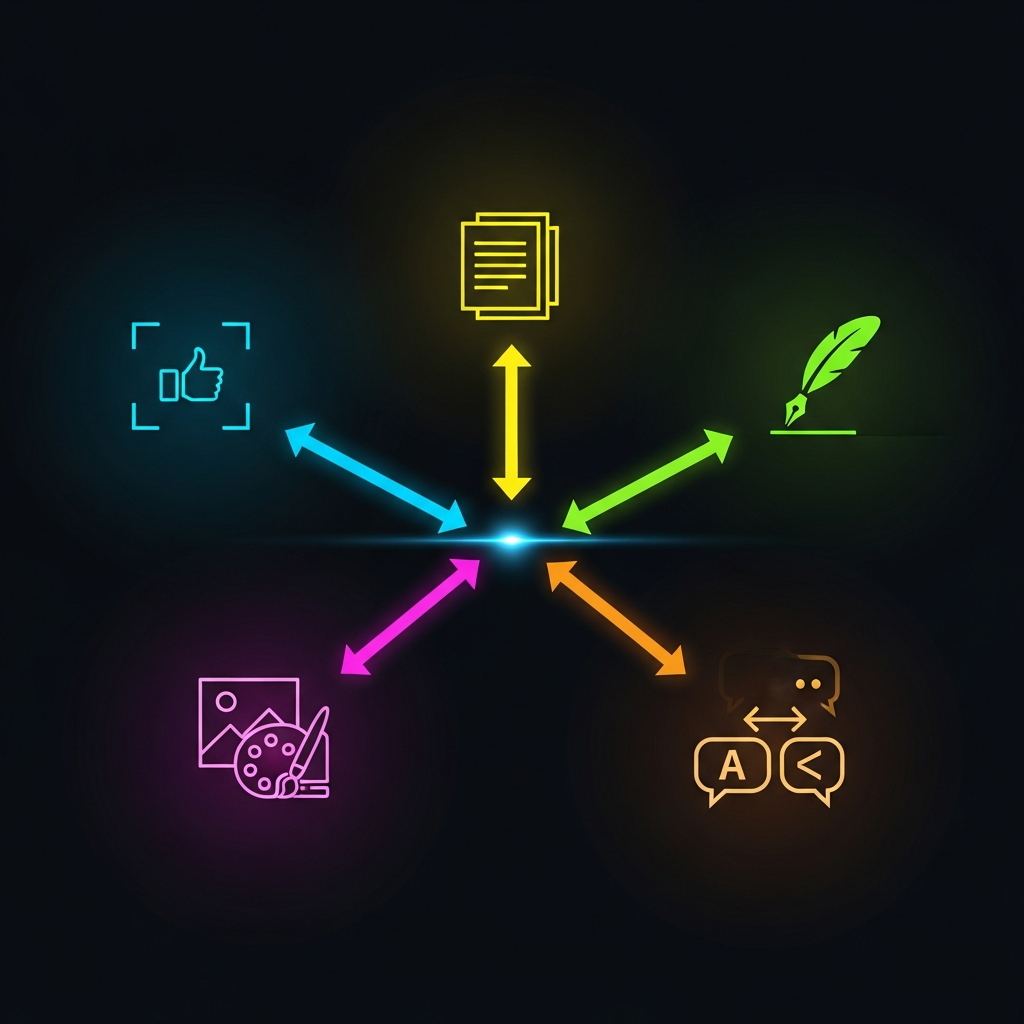
The Subagent Architecture
The pipeline dispatches several specialized Claude instances. None of them do two things at once.
Writer writes the German article based on the raw text and the style guide.
Style Reviewer reads the article and quotes specifically which sentences don’t fit. Not “sounds a bit stiff” — but “sentence 4 in paragraph 2 uses passive voice, that’s not Lars.” Concrete finding, no vague impressions.
Writer (Revision) gets the article and the critique and revises specifically the flagged passages.
Translator translates the finished German article into English. No style review anymore — the German original has already been approved.
Image Ideator gets the article and develops image concepts. No images, just concepts. Ideas first, execution second.
Image Critic gets the generated image and rates it from 1 to 10. Under 7: improved prompt, next iteration. Over 7: accepted. Maximum three attempts.
LinkedIn Copywriter gets the finished English article and writes a post: hook, three sentences, link, hashtags. Maximum 1300 characters, because LinkedIn cuts off after that and nobody reads past it anyway.
Each agent does exactly one thing. That’s why it works.
The LinkedIn Step Is Intentionally Different
I need to pause here for a moment, because this part works differently from everything else.
The actual posting to LinkedIn doesn’t happen locally. It runs as a GitHub Action that I trigger manually. I go to GitHub, click “Run workflow”, enter the slug, click “Run”. Done.
That’s intentional. No command should ever accidentally publish something on social media. The pipeline prepares the file. I’m the one who pulls the trigger.
on:
  workflow_dispatch:
    inputs:
      slug:
        description: 'Article slug'
        required: true
I know that’s one extra click. That’s the point.
The Technical Setup for Anyone Who Wants to Replicate This
There are a few stumbling blocks. I’ll skip the friendly tone:
Google Docs:
- Google Cloud Console → new project → OAuth2 Desktop App → download
credentials.json npm install googleapis- Run
node scripts/gdoc-read.jsonce → browser auth →token.jsongets saved - Never touch again
Images:
- Get Gemini API key from aistudio.google.com
- Add to
.envasGEMINI_API_KEY - Before the pipeline:
export $(grep -v "^#" .env | xargs) - Enable billing in the Google Cloud project — Imagen 4 is not free. I learned that after the first error.
LinkedIn:
- LinkedIn Developer Portal → create app → request the “Share on LinkedIn” product (sometimes takes a day)
- Client ID + Secret in
scripts/linkedin-credentials.json - Run
node scripts/linkedin-auth.jsonce → token lands inlinkedin-token.json - Save token as GitHub Secret
LINKEDIN_ACCESS_TOKEN - Add LinkedIn Person URN as
LINKEDIN_PERSON_URN
That’s it. One afternoon. Once.
The Meta-Funny Part
This article was written with exactly the pipeline it describes.
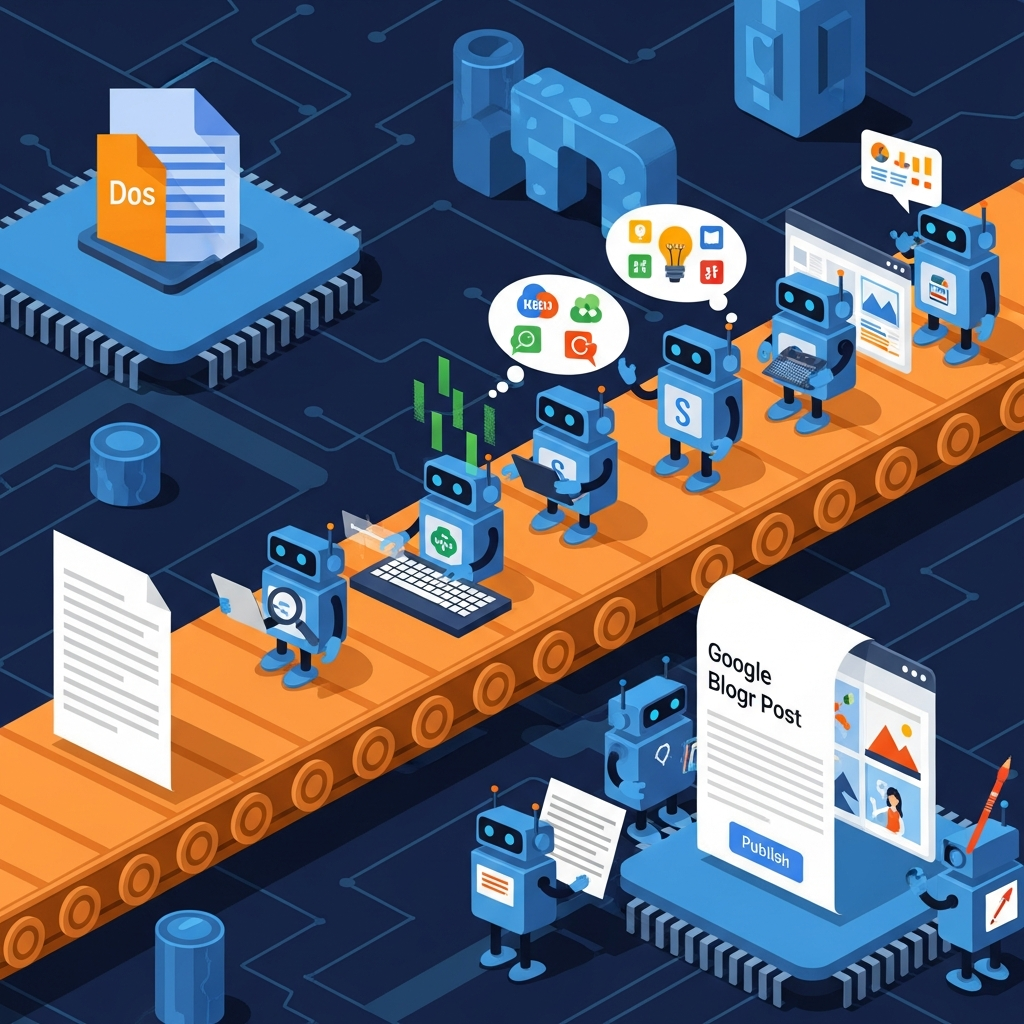
I typed the raw text in Google Docs. Then called /publish-article. A Writer subagent wrote the article. A Style Reviewer read it and flagged specific passages. The Writer revised. A Translator built the English version. An Image Ideator developed concepts, an Image Critic evaluated them, Imagen 4 generated the image.
And then a LinkedIn Copywriter subagent wrote a hook that’s now being read somewhere in my network. Someone is reading a text about an article about a pipeline that wrote this article, along with the LinkedIn post about it. I wrote the raw text. The pipeline handled the rest. That’s enough.
What I Don’t Know
Whether this actually saves time, I honestly can’t say. The setup took an afternoon. The first pipeline version had bugs. The Image Critic was too strict. The Style Reviewer was too lenient. Three iterations until it worked.
But: the next article costs me one command. Write raw text, run /publish-article, get coffee. When I come back, the Markdown file is done, the image is in the repo, the LinkedIn draft is waiting for my click.
That pays off. Not in minutes. In sanity.
Conclusion
I built a system that writes articles. This article. That’s either very clever or a little bit schizophrenic. Probably both.
What I learned along the way: the interesting challenge wasn’t the code. The scripts are trivial. The interesting challenge was the architecture of the instructions. How small does a task need to be for a language model to handle it reliably? Smaller than I thought. Much smaller.
One agent, one task. That’s the principle. The rest is plumbing.